












































































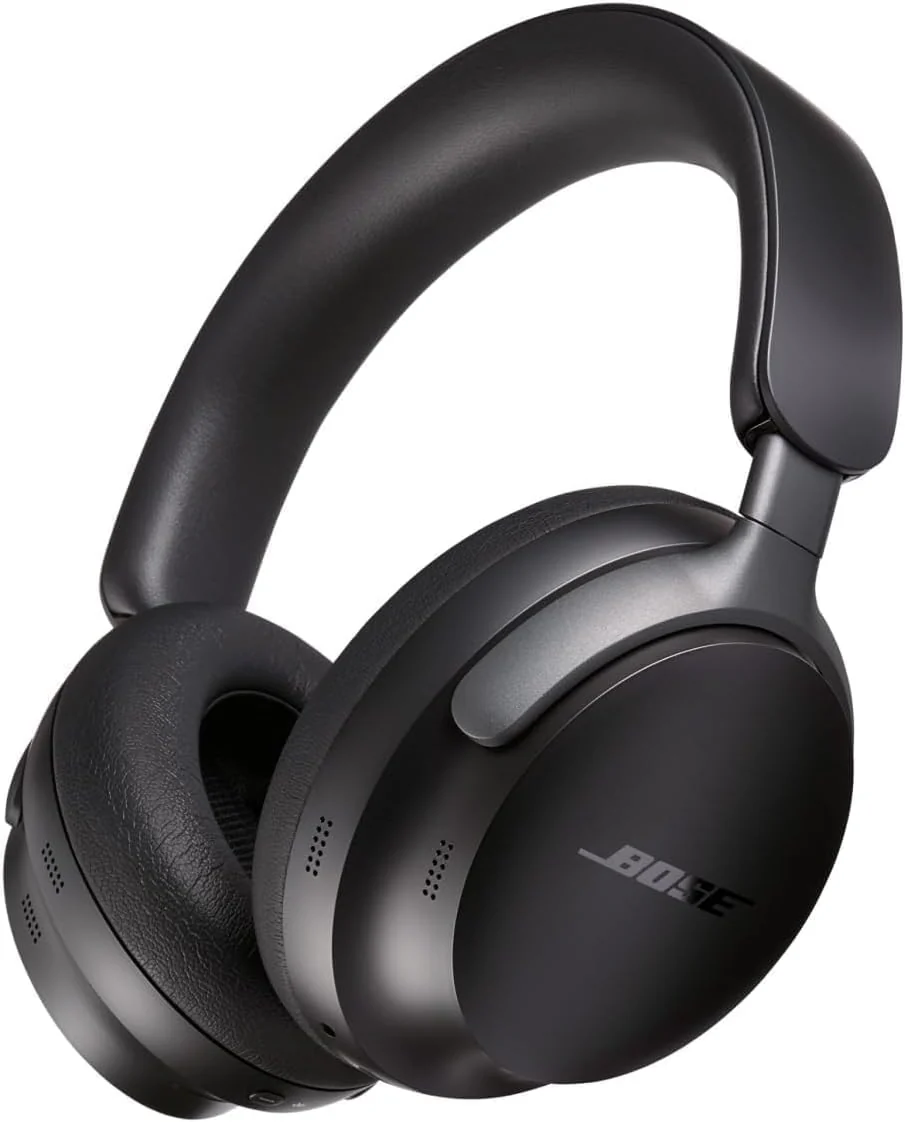
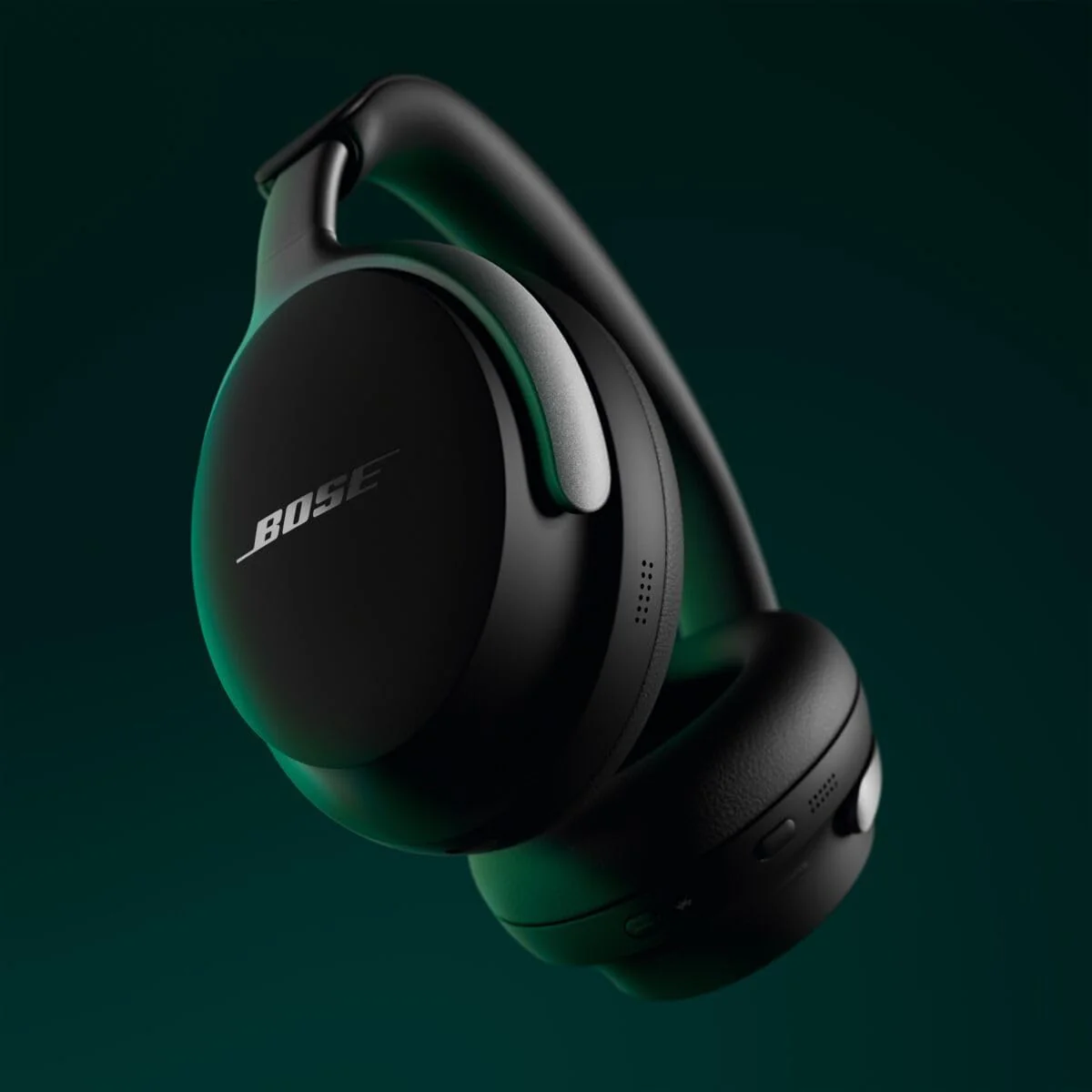
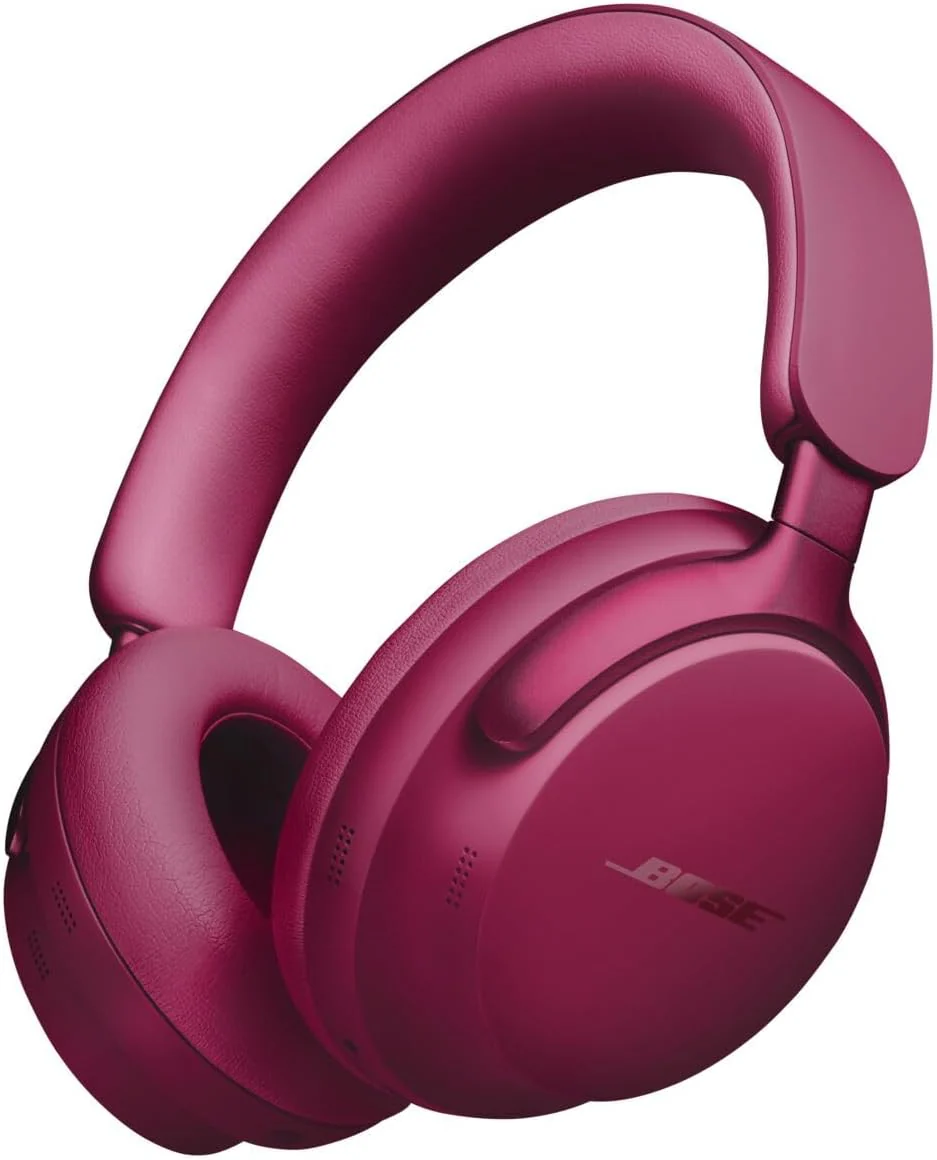
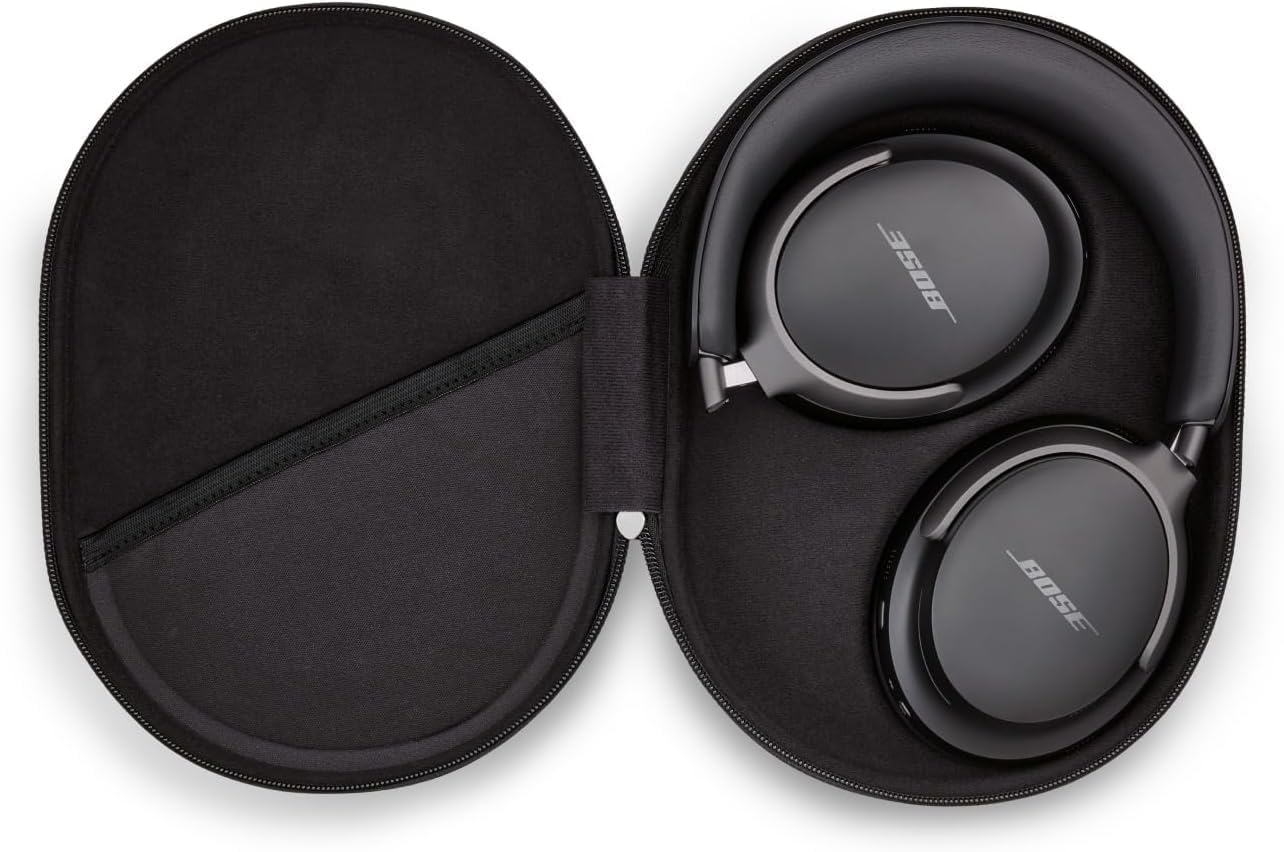
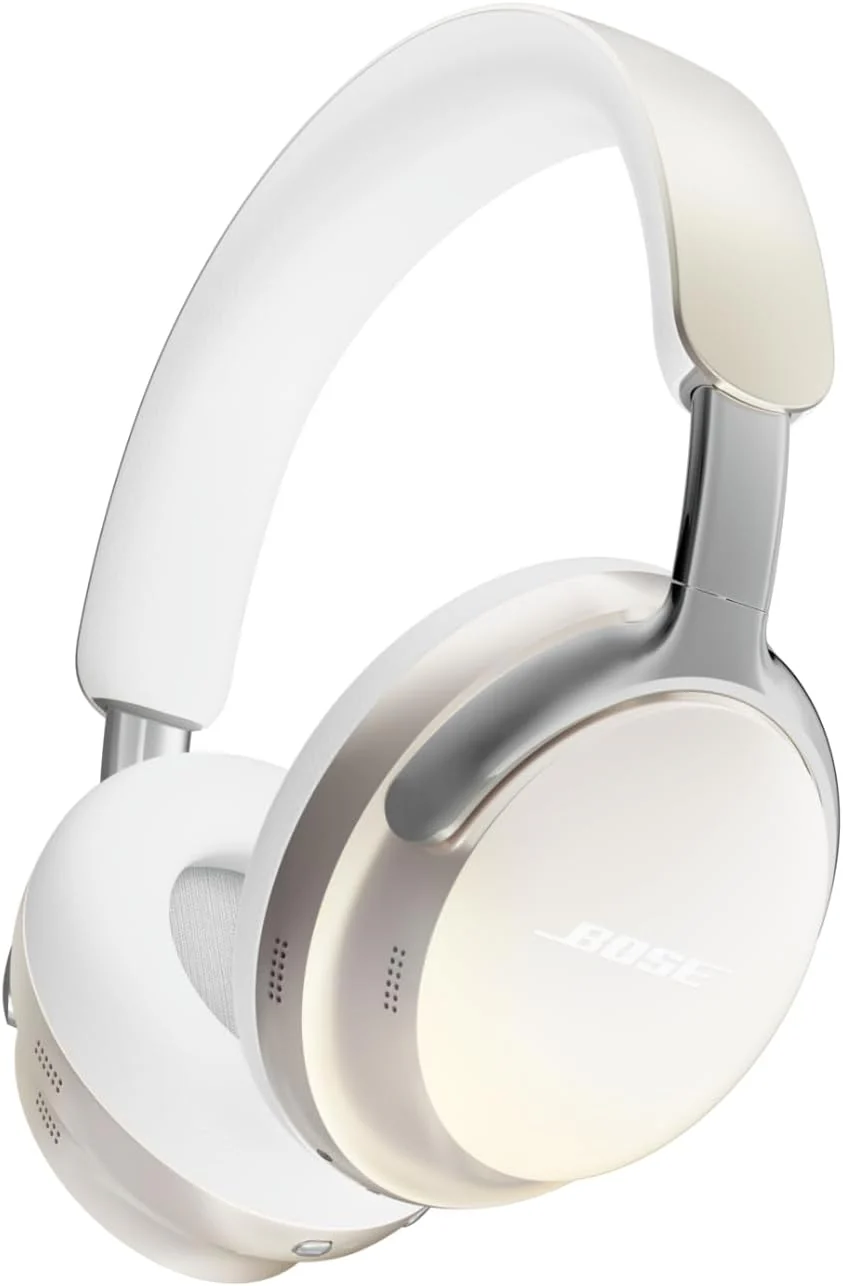
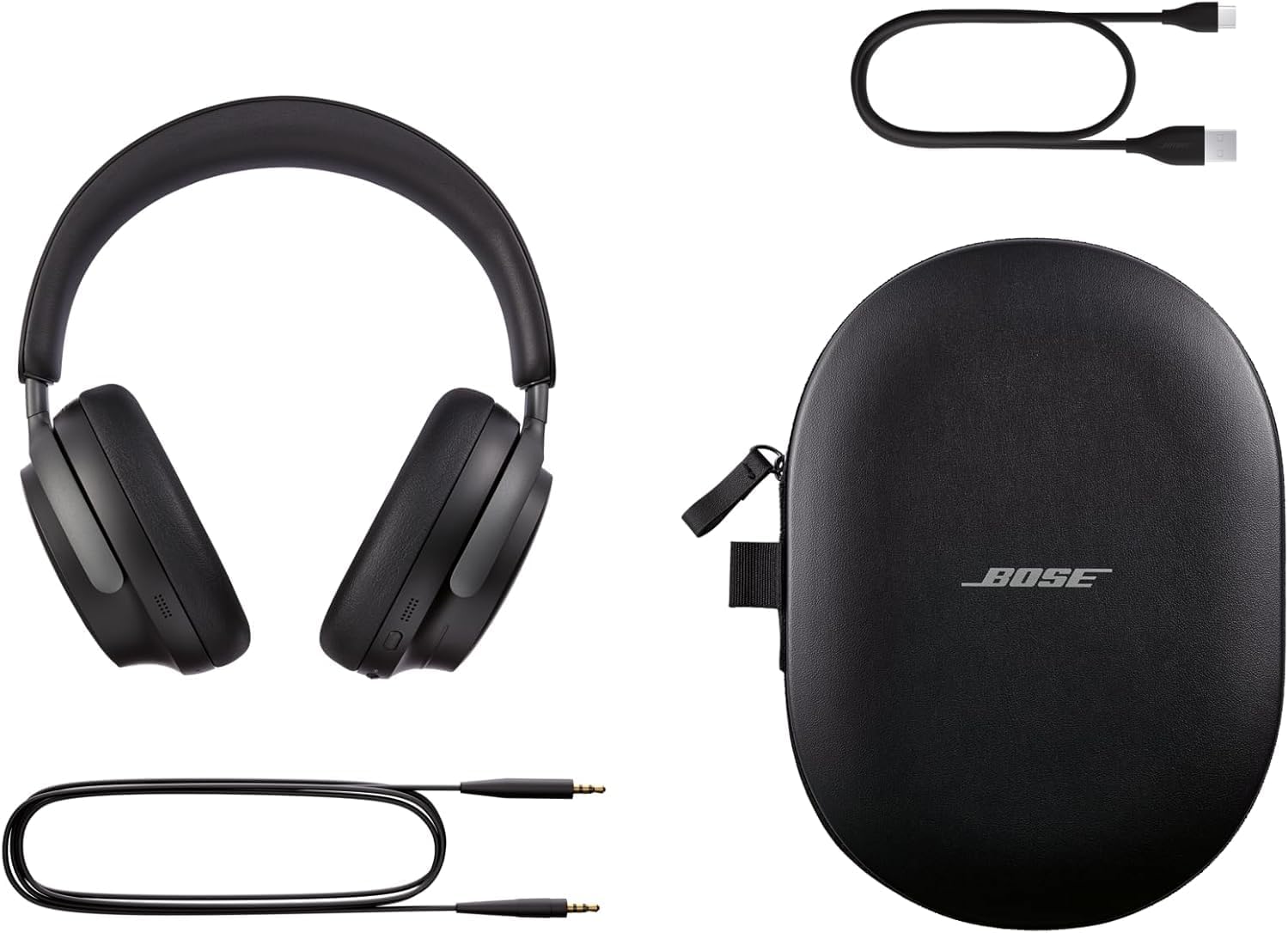
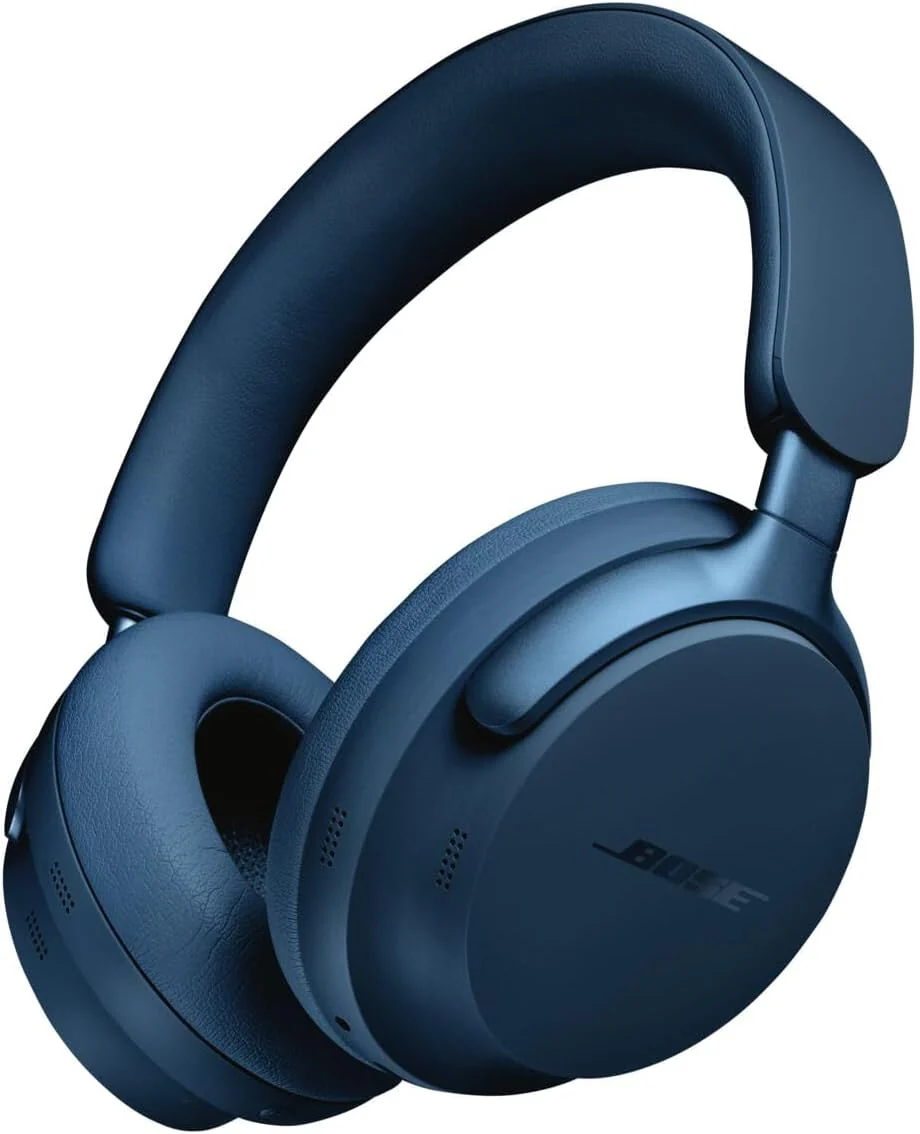
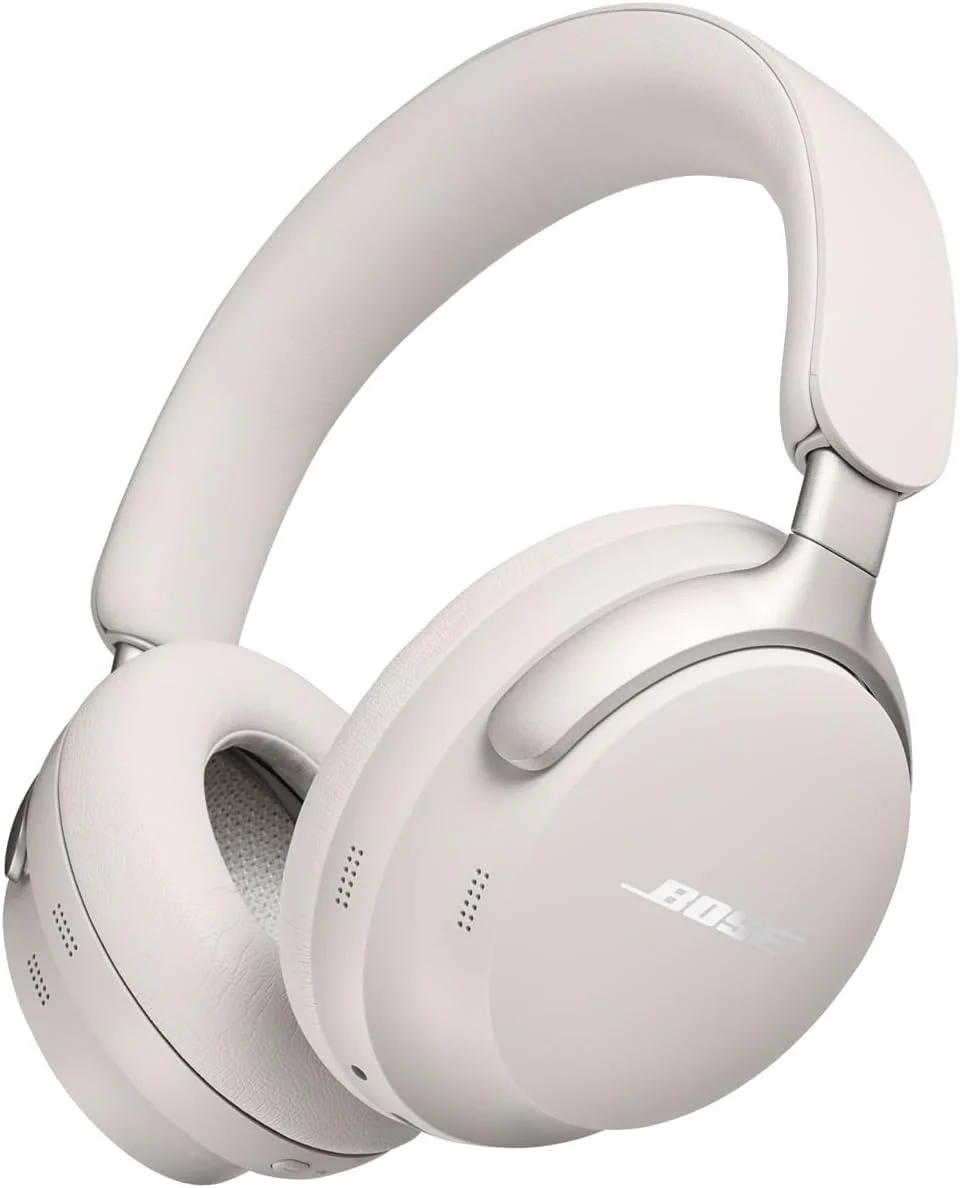
Home / Bose QuietComfort Ultra Wireless Noise Cancelling Headphones with Spatial Audio, Over-The-Ear Headphones with Mic, Up to 24 Hours of Battery Life, Black
  • Bose QuietComfort Ultra Wireless Noise Cancelling Headphones with Spatial Audio, Over-The-Ear Headphones with Mic, Up to 24 Hours of Battery Life, Black
  • Bose QuietComfort Ultra Wireless Noise Cancelling Headphones with Spatial Audio, Over-The-Ear Headphones with Mic, Up to 24 Hours of Battery Life, Black
  • Bose QuietComfort Ultra Wireless Noise Cancelling Headphones with Spatial Audio, Over-The-Ear Headphones with Mic, Up to 24 Hours of Battery Life, Black
  • Bose QuietComfort Ultra Wireless Noise Cancelling Headphones with Spatial Audio, Over-The-Ear Headphones with Mic, Up to 24 Hours of Battery Life, Black
  • Bose QuietComfort Ultra Wireless Noise Cancelling Headphones with Spatial Audio, Over-The-Ear Headphones with Mic, Up to 24 Hours of Battery Life, Black
  • Bose QuietComfort Ultra Wireless Noise Cancelling Headphones with Spatial Audio, Over-The-Ear Headphones with Mic, Up to 24 Hours of Battery Life, Black
  • Bose QuietComfort Ultra Wireless Noise Cancelling Headphones with Spatial Audio, Over-The-Ear Headphones with Mic, Up to 24 Hours of Battery Life, Black
  • Bose QuietComfort Ultra Wireless Noise Cancelling Headphones with Spatial Audio, Over-The-Ear Headphones with Mic, Up to 24 Hours of Battery Life, Black
  • Bose QuietComfort Ultra Wireless Noise Cancelling Headphones with Spatial Audio, Over-The-Ear Headphones with Mic, Up to 24 Hours of Battery Life, Black

Bose QuietComfort Ultra Wireless Noise Cancelling Headphones with Spatial Audio, Over-The-Ear Headphones with Mic, Up to 24 Hours of Battery Life, Black

Quantity
ADD TO CART
BUY IT NOW
  • Detail

    Product description

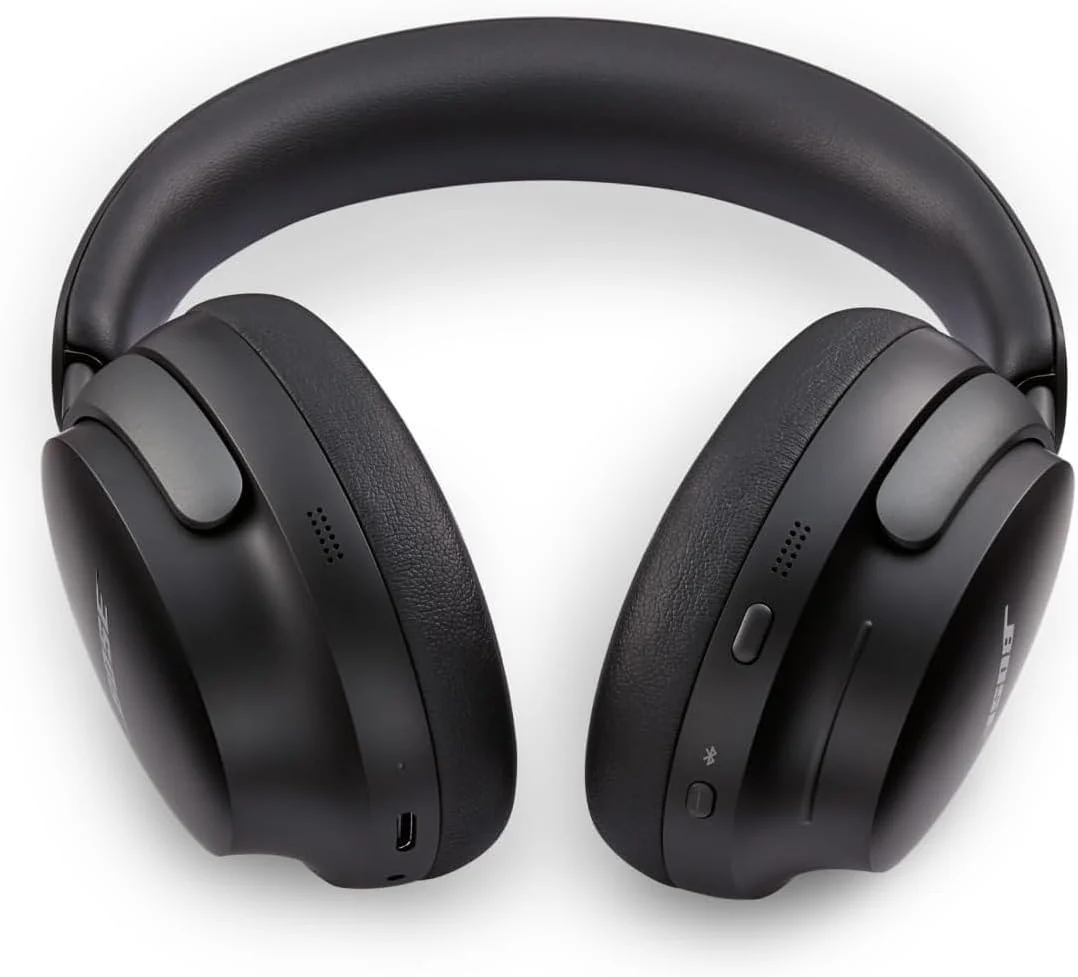
    Bose QuietComfort Ultra Headphones take everything music makes you feel to new highs. The high-end headphones start with world-class noise cancellation that��s quieter than its predecessors. Breakthrough spatial audio headphones allow your music to feel more immersive than ever before. Bose Immersive Audio takes what you��re hearing out of your head and places it in front of you for the most natural listening experience, no matter the content or source. CustomTune technology upgrades sound even more by analyzing your ear��s shape and adapting the audio performance so everything you listen to hits exactly as it should. Noise cancelling headphones with mic feature a revolutionary system of mics that focus on your voice, allowing you to enjoy crystal clear phone calls. These noise cancelling over-the-ear headphones keep the session going with up to 24 hours of battery life (up to 18 hours with Immersive Audio) and unrivaled comfort from luxe materials. The earcups wrap your ears in a soft hug while the band spreads pressure evenly. The sleek metal arms add a statement of sophisticated design for ideal audiophile headphones. Sync sound between your QC Ultra Headphones and a Bose smart soundbar with SimpleSync technology. The headphones also feature Snapdragon Sound Certification for Android and quick pairing with Google Fast Pair. Connect these wireless Bluetooth noise cancelling headphones to your devices with advanced Bluetooth 5.3. Keep track of what you have paired in the Bose app. The app makes setup quick and easy, gives you access to Adjustable EQ settings and more.


    From the brand


    From the manufacturer

    • How do I setup my QuietComfort Ultra Headphones?

      Download and install the free Bose Music app from your mobile device's app store. The Bose Music app lets you set up and control your product from any mobile device, such as a smartphone or tablet.

    • How do I connect my QuietComfort Ultra Headphones to my Bluetooth device?

      1. Ensure Bluetooth is enabled on your device

      2. With your headphones on, press and hold the Bluetooth/Power button until you hear "Ready to connect"

      3. Select your headphones from the list of available devices

    • How do I update the firmware/software of my QuietComfort Ultra Headphones?

      To update your product, you can either connect it to a computer with a USB cable and then visit the Bose update site or you can update it wirelessly from the free Bose Music app on an Android or iOS device.

    • How do I reset my headphones?

      1. Connect the USB cable to a plug/port

      2. On your headphones, press and hold the Power/Bluetooth button

      3. Whilst holding the button, connect the USB cable to the right earcup. Power light will blink twice

      4. Wait two seconds then release the button

    • How do I clear the Bluetooth pairing list?

      1. Press and hold the Bluetooth/Power button and Multi-function button until you hear: Bluetooth device list cleared. Ready to connect.

      2. Delete your headphones from the Bluetooth list on your Bluetooth device

  • Customer Reviews
    No comments